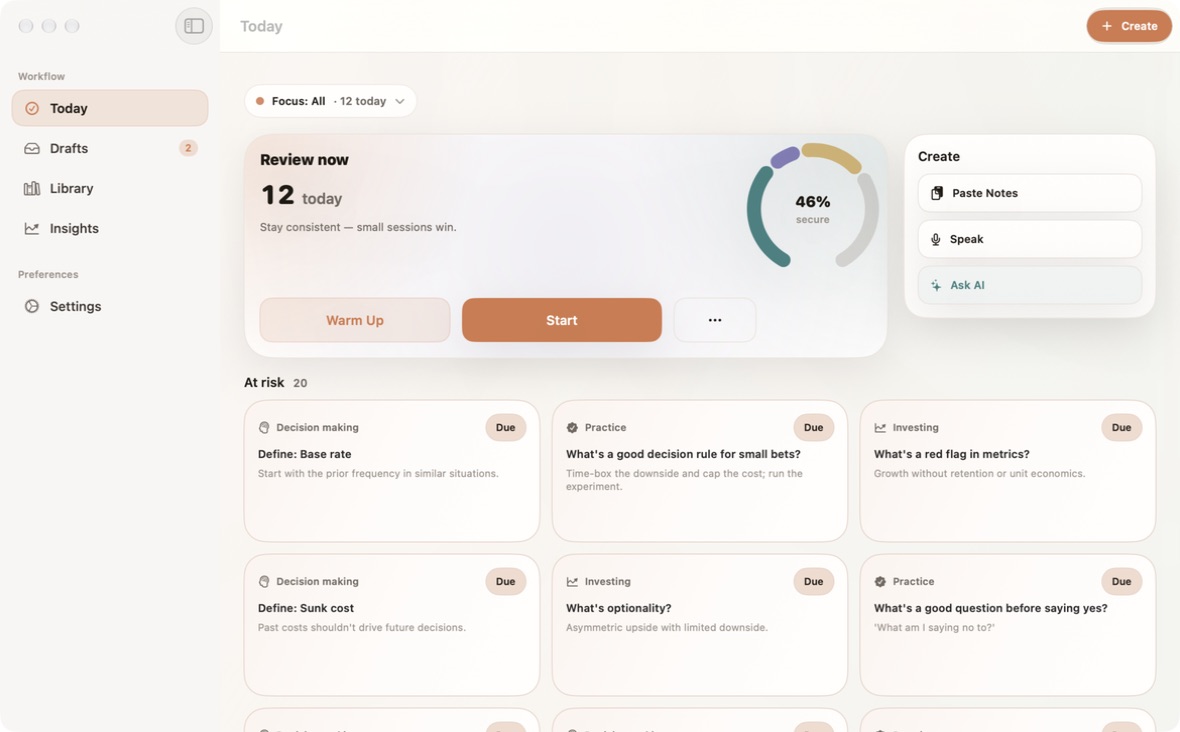
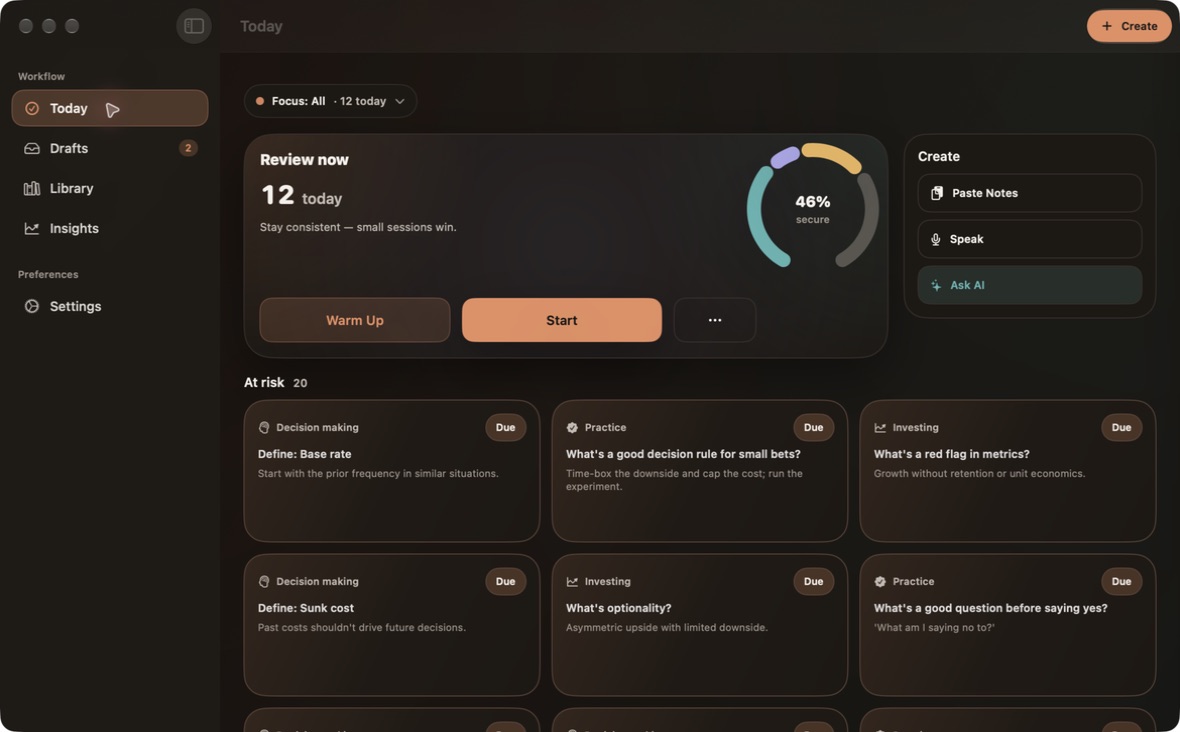
A downgrade keeps existing automations running. Plan limits apply to new ones.
Take a moment. Then see what sticks.
WITHOUT LOOKING BACK
A customer downgrades to fewer automation slots. What happens to existing automations?
Say the answer to yourself.
THE ANSWER
They keep running. New automations wait until there’s room under the lower limit.
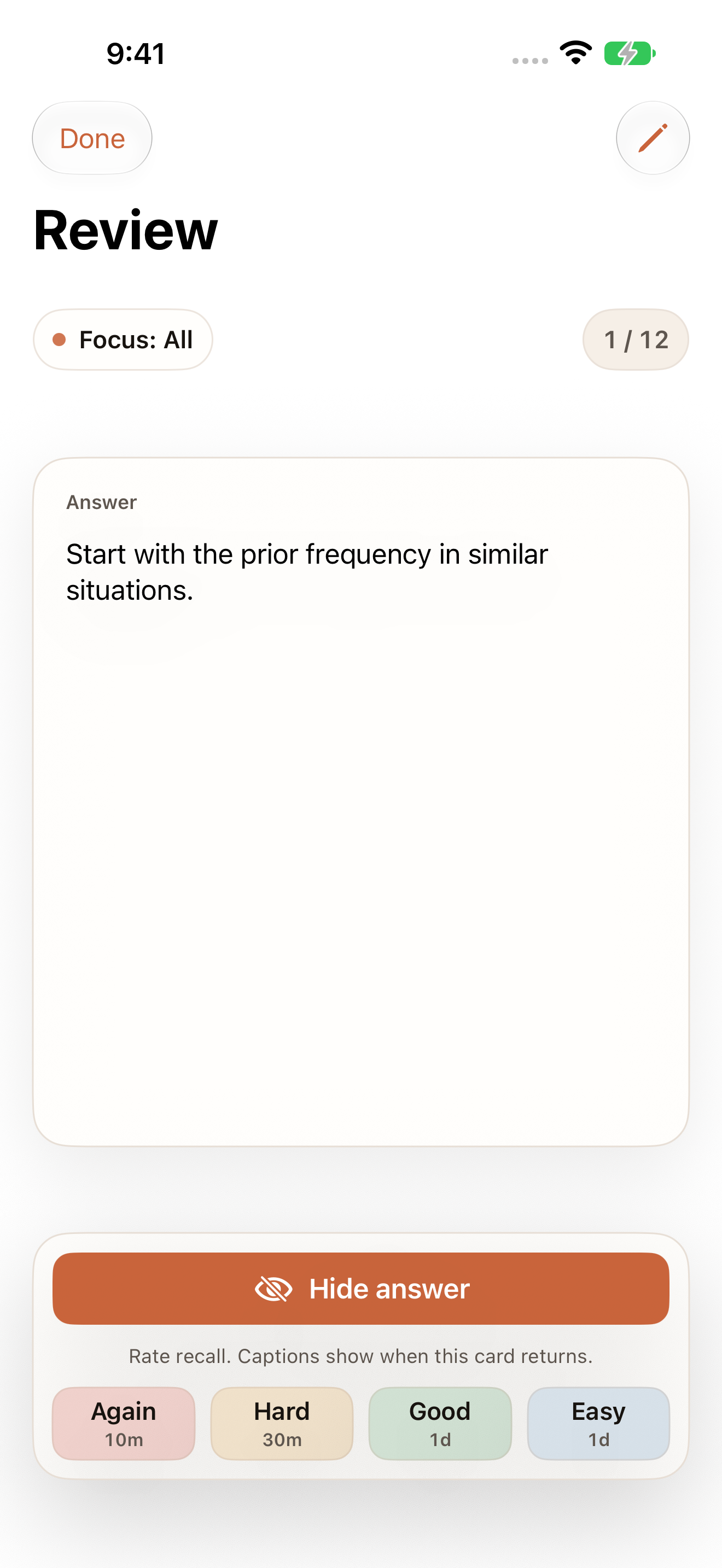
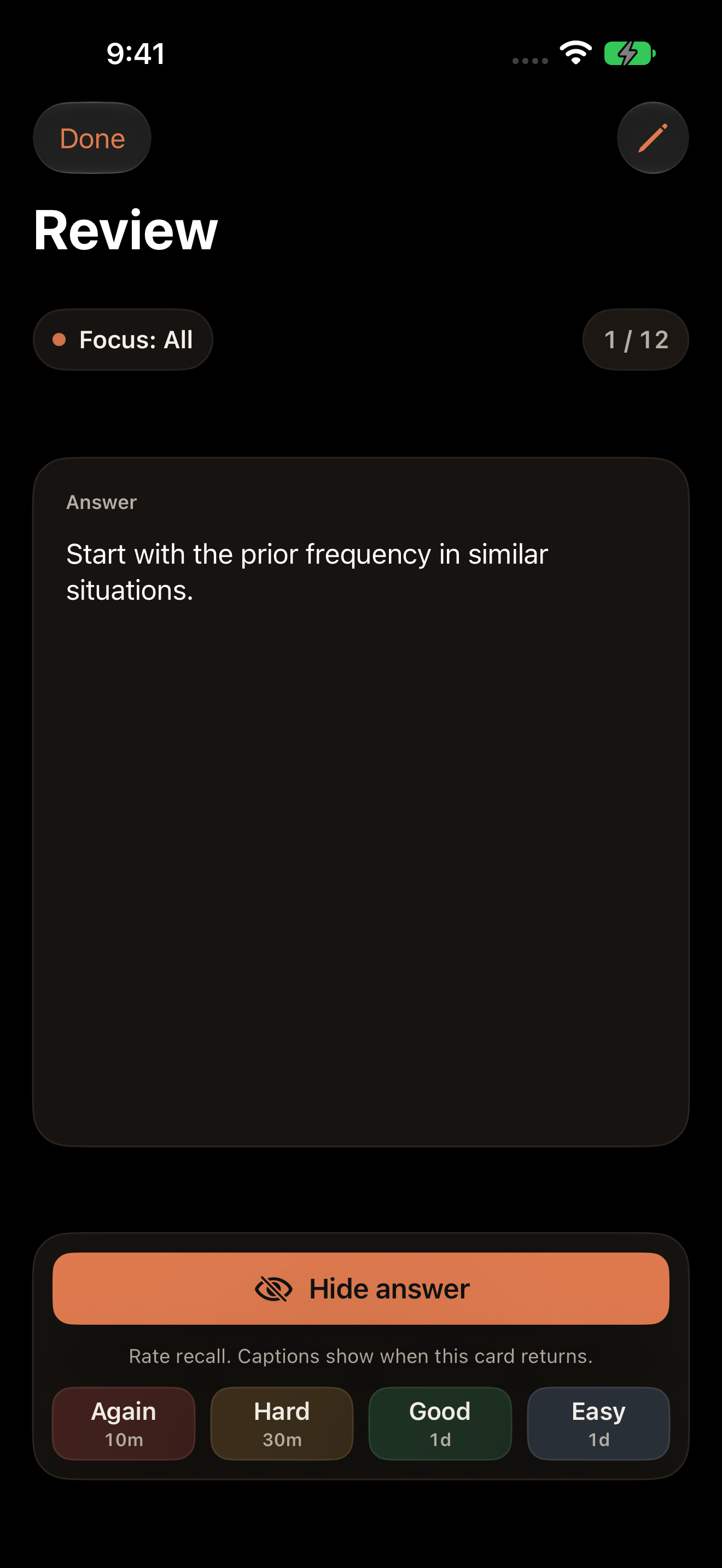
First review of a new card. How did it feel?
Good
Give it a little space.
A LITTLE REVIEW. A LONGER MEMORY.
Remember it when you need it.
Due in 1 day
LearnReviewLater
With review WithoutSketch · not to scale
The lift is a refresher, not a measure of mastery.
For the knowledge you use.Before the meeting. In the conversation. When it counts.
01 / From your material
You already have the knowledge.
Give it a way to stay. Start with a PDF, a photo, or your notes. Recurve finds the details worth remembering and drafts cards you can make your own.
PDF · Photo · Notes
NORTHSTAR / PRODUCT HANDBOOK
Small details. Better conversations.
03 — Changing plans
Customers can change plans as their needs change. After a downgrade, existing automations keep running. New ones can be created only when the total is below the plan limit. Deleting an automation frees up a slot immediately.
Product handbookPage 3 of 8
ONE DETAIL, READY TO PRACTISEDraft
A customer downgrades to fewer automation slots. What happens to existing automations?
They keep running. New automations wait until there’s room under the lower limit.
View source Product handbook · p. 3
“After a downgrade, existing automations keep running. New ones can be created only when the total is below the plan limit.”
You review every draft. Nothing is saved for you.
02 / A small daily practice
A few minutes. Then back to your day.
Open Recurve. Review what’s due. Move on. Your answers shape what comes back and when, so you can spend less time planning your practice.
Prices in USD. An eligible 7-day trial may be available. Confirm local pricing and terms in the App Store.
How AI, Pro, and credits work +
1 Quick Capture and Source shown here are coming to compatible iPhones with iOS 27. They require Private Cloud Compute availability and internet. Quick Capture can draft up to five cards. Your first successful Source workflow is free; repeat Source workflows require Pro.
Apple’s Private Cloud Compute uses no Recurve Premium Model Credits. Pro unlocks advanced workflows. Only eligible, consented external processing can use Premium Model Credits; allowances and charges are shown in the app.
Remember what matters.
Turn something you learned today into something you remember tomorrow.
 recurve